Harmonic Compass EQ
Focused mix balancing for individual tracks and full sessions.
$15Buy Harmonic Compass EQ MagnētisAUDIO PROCESSINGChoose a processor
Native audio tools for macOS
Two focused processors that listen before they move. Shape a mix. Finish a master. Stay in control.
Hear it for yourself
Hit play, then switch between Source and Magnetis wherever you like. Both versions are matched in loudness, so you're hearing the processing—not a volume boost. This clip runs from 2:46 to the end of the song.
“The Giant” — Ryan Jasiak
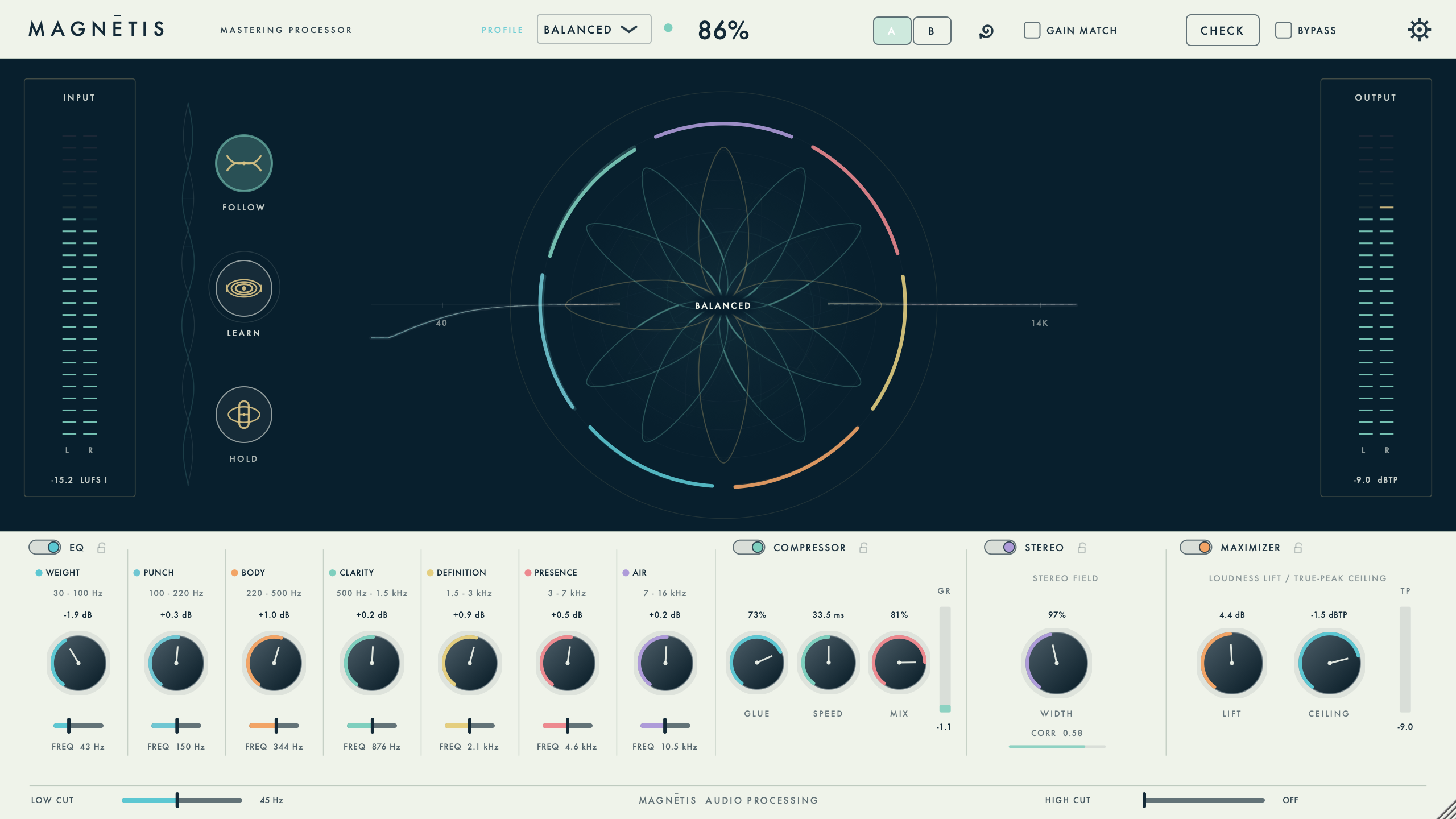
Inside Magnetis
That's the real plug-in: the Compass, meters, and mastering controls. It's a still image, not a live display. Use the buttons above to hear the two versions at the same point in the song.
A clear signal path
Magnetis helps you find what needs attention without taking over the mix. Watch the Compass, make a few adjustments, and keep what works. You can always change your mind.
01 / MIXING
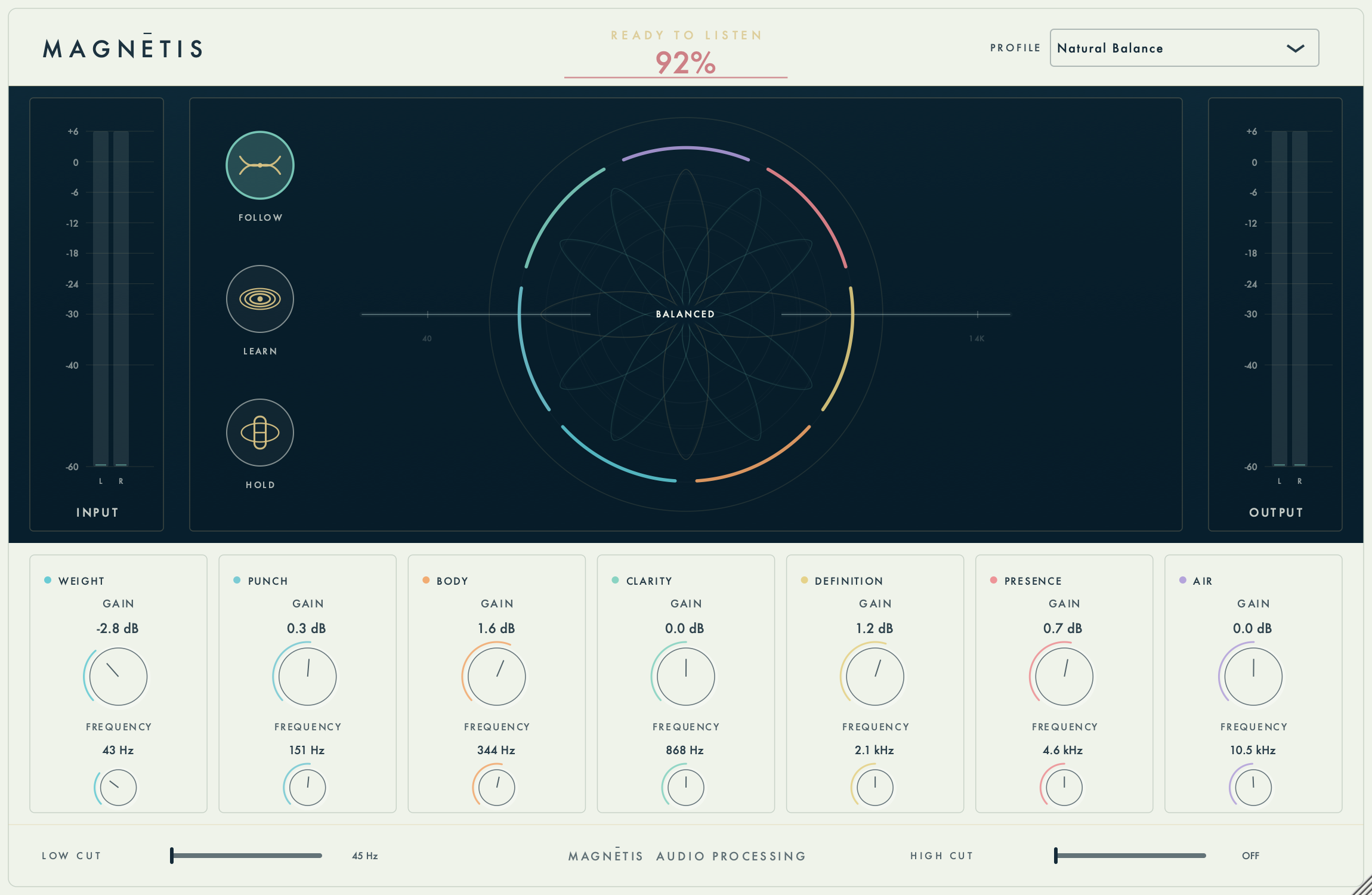
Harmonic Compass EQ
A seven-zone equalizer for tracks, instruments, vocals, and full mixes. Let it learn the material, follow gradual changes, or hold a correction while you shape every band by hand. Start with Natural Balance or pick a learning profile that suits the track.
$15 one-time purchase
02 / MASTERING
Mastering Processor
Bring tonal balance, dynamics, stereo width, and output level together. Let it learn from a few representative passages, compare at matched loudness, and make the final call. Every section stays in your hands.
$40 one-time purchase
Local by design
Not an AI app. Magnetis uses purpose-built audio algorithms to analyze tonal balance and guide EQ and mastering adjustments, with every control still in your hands. Your audio, presets, and saved settings stay on your Mac. No upload, subscription, or internet connection is required after activation.
Find your fit
Focused mix balancing for individual tracks and full sessions.
$15Buy Harmonic Compass EQThe complete Magnetis finishing chain for release-ready masters.
$40Buy Mastering ProcessorBoth processors under one license, ready for mixing and mastering.
$50Buy Magnetis SuiteSecure one-time checkout. Your license key and installer access are issued after payment. Each license supports two Macs, with maintenance updates included until a clearly announced paid major version.
Already licensed
One macOS installer includes both standalone apps and the AU and VST3 plugins. Your license unlocks the processors you've purchased. Use this link for the latest bug-fix release. Save your session and quit your DAW before updating.
Download macOS installerVersion 1.2.8 · Signed and Apple-notarized · Apple Silicon + IntelThe right tool at each stage
Before you install
No. Audio analysis and processing happen locally inside the plugin.
Use Audio Units in Logic Pro or VST3 in compatible macOS hosts such as Cubase.
No. The listed prices are one-time purchases for the selected processor or suite.
Yes. Let it suggest a starting point, then adjust any of the musical controls yourself.
Natural Balance is the default. The 14 other choices cover warmer or more defined guitars, intimate or forward vocals, round or defined bass, drums, keys, and synths. They guide gentle EQ changes based on what Magnetis hears—not a fixed knob recipe or a copy of someone else's sound. Your own adjustments and Hold take priority.
Contact
Need a hand with installation, licensing, or compatibility? Curious about either processor? Send me an email.
EmailI read and reply to these myself.